

Enjoy millions of the latest Android apps, games, music, movies, TV, books, magazines & more. Anytime, anywhere, across your devices.
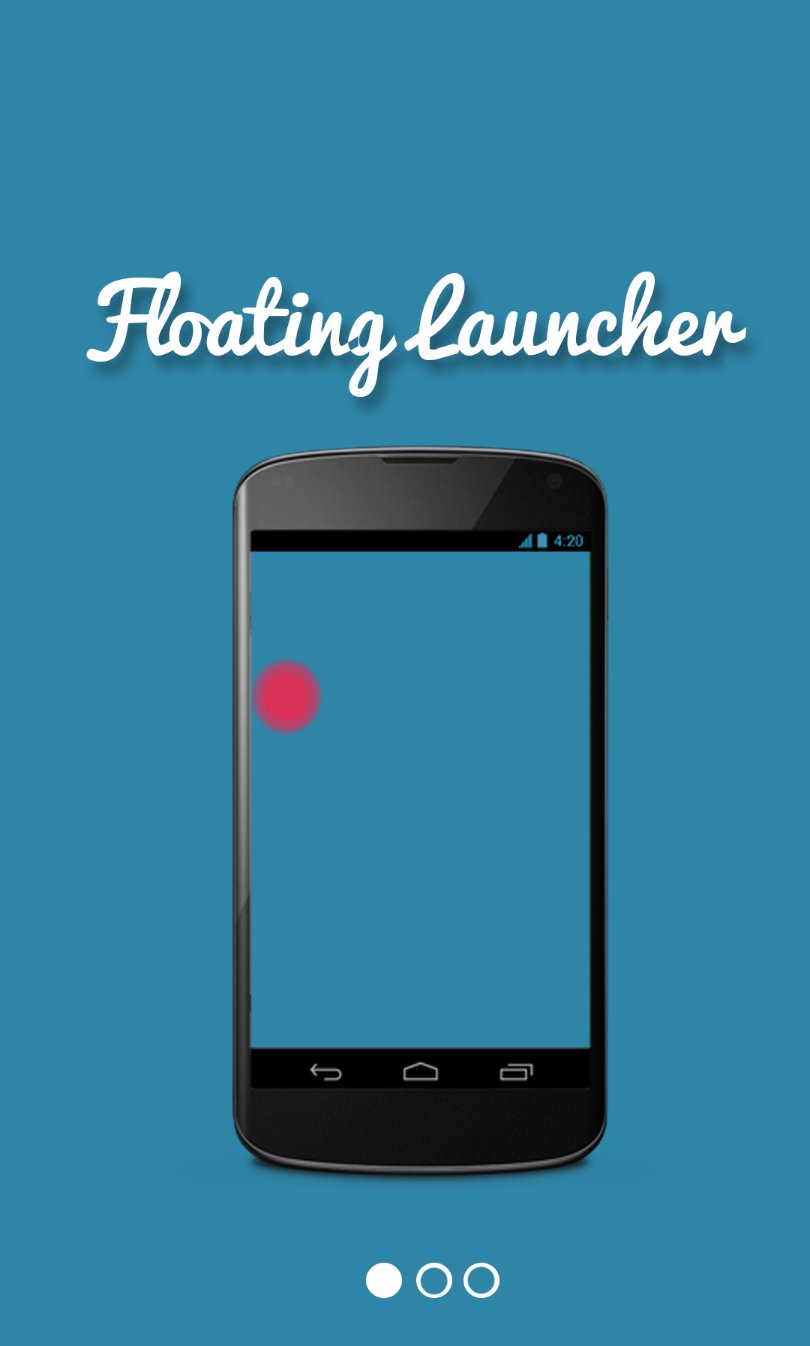
Floating Launcher
No configuration required, all you need to do is:
- Click on “Start Service”
- Click only once on the floating icon to display the list of applications
- Click on an app to launch it
- Double click on the floating icon to hide it then click on the notification created to display it again.
-------------------------------------------------------
Quick Floating Launcher apps.
No configuration needed, nothing to do.
Just:
- Start the app and click on “Start Service”.
- Click on floating icon to display the app list and click on an app to launch it
- Double tap on floating icon to hide it
- Click on the new notification (top of screen device) to display back launcher icon.
Easy as ABC.
Github Project: https://github.com/marshallino16/FloatingNotification


 Action-adventure
 Simulation Business
 Role Playing
 Sports Competition
 Casual Intelligence
 Card Strategy
 Music Rhythm
 Text Puzzle
 Flying Shooting
 Love Development
 Business Office
 Newsletter Social
 Life Entertainment
 Online Shopping
 Practical Tools
 Travel
 Financial Management
 Educational Learning
 Information Reading
 Sports and Health